If you order a server from VPSio.cloud, we We'll migrate your website for free to a VPS in Germany or Finland. We perform the migration manually: we copy the files and the database, test the website on the new server, and only then point the domain to it. We leave the old hosting alone until the testing is complete.
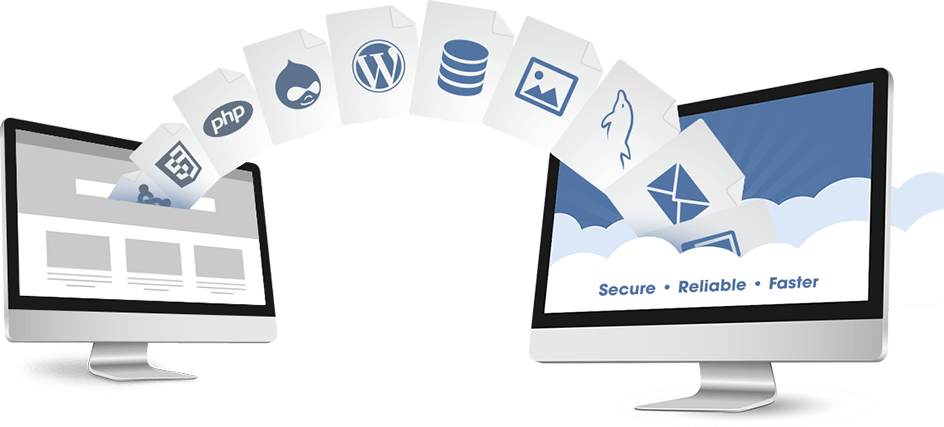
What exactly do we do?
- Copy the website files and the database to your server using CloudPanel;
- We install the version of PHP required by the website and a free Let’s Encrypt SSL certificate;
- We're testing the website on the new server before switching the domain: pages, forms, and admin login;
- We'll switch the domain ourselves if you grant us access to the DNS, or we'll send you instructions on which record to change;
- After switching, we check once again to make sure the website is now loading from the new server.
How the transfer takes place
- You sign up and order a server. The CloudPanel control panel is installed on it in about a minute.
- Please send us the website address and login credentials for your current hosting account: access to the hosting control panel or FTP/SSH, as well as the database.
- We're copying the website and testing it on a new server. During this time, visitors continue to see the website on the old hosting service, just as before.
- We're switching the domain to a new server. Visitors will be redirected to it gradually, over the course of several hours, while the DNS records are updated.
- You check the website and decide for yourself when to switch from your old hosting provider.
In most cases, the transfer takes from several hours to 24 hours.
Why doesn't the website go down during the migration?
While we're copying and testing, the site is running on the old hosting service. The switch itself involves changing a single DNS record for the domain. If something isn't working right after the switch, that same record will redirect the domain back to the old hosting service, since everything there is still in place.
If new orders or comments are constantly appearing on the website, we agree on a time to switch over when there are the fewest of them, and we back up the latest database one more time before the switch. That way, new orders won’t get lost between the two servers.
What sites do we transfer
- WordPress and WooCommerce
- OpenCart
- Joomla
- Laravel
- PHP self-learning projects
- Other CMSs and frameworks
If your website requires specific PHP extensions or scheduled tasks (cron), we'll set them up on the server. Before placing your order, you can send us your website's URL, and we'll let you know if there are any special considerations.
What We Need From You
- access to the current hosting control panel or FTP/SSH and the database;
- access to the domain's DNS settings or the willingness to change a single record according to our instructions;
- a few minutes at the end to check the website.
After the migration, we recommend that you change the passwords you provided to us.
Which plan should I choose?
- Basic, 2 vCPUs, 4 GB of RAM, 499 UAH per month: one or more small websites.
- Optimal, 4 vCPUs, 8 GB of RAM, 899 UAH per month: an online store or several websites for the studio's clients.
- Premium, 8 vCPUs, 16 GB of RAM, 1,499 UAH per month: a large online store or multiple websites on a single server.
The price is locked in for the server at the time of order and will not increase, even if the pricing plans change later. Not sure which plan will work for you? Send us your website address, and we'll help you decide.
Frequently Asked Questions About Transferring
How much does the transfer cost?
It's no problem if you ordered the server from VPSio. You only pay for the server based on the plan you selected.
What will happen to the email on the domain?
We’re migrating the website, but we’re not changing the domain’s email records (MX), so email will continue to work where it did before. If your email is currently on the same hosting provider as the website, don’t cancel it until you’ve migrated the email. You can also create email accounts for the domain on your VPS—we’ll show you how.
What if something doesn't work after the migration?
Send us a message or give us a call, and we'll figure it out. As long as the old hosting plan hasn't been canceled, the domain can be transferred back to it, so visitors won't be left without a website.
Ready to move? Select a plan and order a server; please send us your website address after placing your order. We respond daily from 10:00 a.m. to 10:00 p.m.
Not sure which plan you need? Enter the website address at info@vpsio.cloud, and we'll find the right plan for you and let you know how long the transfer will take.
For more information on how to migrate a website to CloudPanel, see step-by-step instructions, and for more on why you should move your website abroad in the first place, see the article «Where is your website physically hosted?».